Above the Fold: What Belongs on Your Homepage Before the Scroll
 By Codeventure Infotech
“Above the fold” comes from newspapers: the stories printed on the top half of the front page, visible on the news stand. Websites don’t have a physical fold, since every screen is a different size, but the idea is just as useful online. Whatever a visitor sees before scrolling decides whether they stay or hit the back button.
Three questions your first screen must answer
- What do you do? Say it plainly. “Custom websites and online stores for small businesses” works far better than “Transforming your digital journey.”
- Who is it for? A visitor should know within seconds that they’re in the right place, whether that’s local shops in Porbandar or exporters selling worldwide.
- What should I do next? One obvious action, such as call, WhatsApp, book or get a quote, that doesn’t need hunting for.
Design for the smallest screen
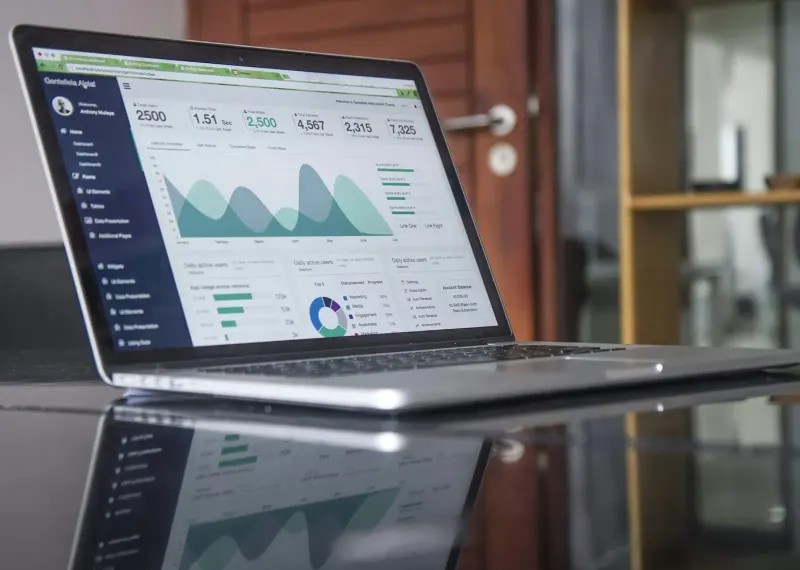
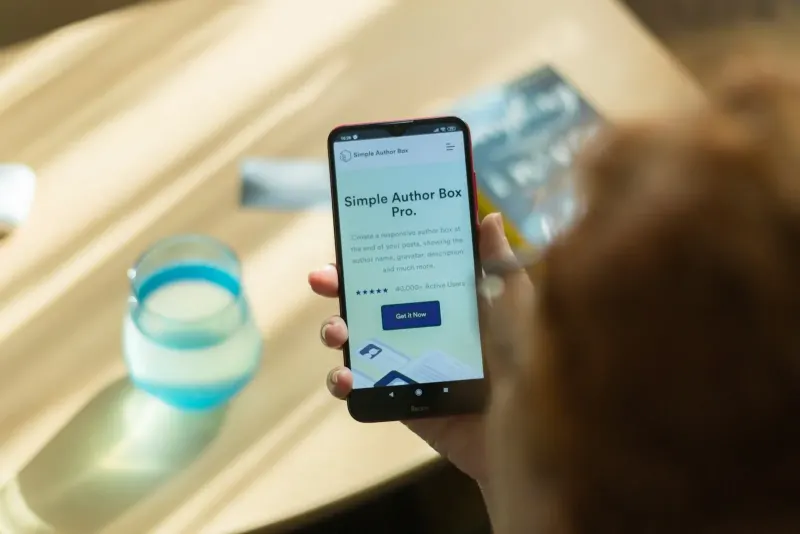
A laptop shows a lot more than a phone. Since most first visits to a business website now happen on mobile, make sure the headline and main button are visible on a typical phone without scrolling. Larger screens then simply get more breathing room around the same message.
Visitors scroll when there’s a reason to
The old belief that “nobody scrolls” is out of date; people scroll all day on their phones. What they won’t do is scroll past a first screen that gives no hint of anything useful below. A clear headline plus a glimpse of the next section, or a line of social proof such as “Trusted by 495+ clients”, invites them further down.
What earns a place up there
- A specific headline that says what you do (and where, if you serve a local area).
- One supporting line with a concrete benefit or credential, such as years in business or projects delivered.
- A single primary call to action, plus a tappable phone or WhatsApp number if calls are the goal.
- One trust signal: a review rating, a recognisable client logo, or a certification.
What wastes the space
- Auto-rotating sliders. Few people wait for slide two, and the extra images slow the page.
- Slogans that fit any company. If your headline could belong to a bank, a bakery and a builder, it isn’t working.
- Full-screen stock photos that say nothing about your business.
- A huge logo or empty banner that pushes your actual message below the first screen.
- Several competing buttons. Three equal calls to action usually get fewer clicks than one clear one.
Try the five-second test
Open your homepage on your phone, show it to a friend for five seconds, then hide it. Ask what the business does and what they would do next. If they can’t answer both, the first screen needs work. The same thinking applies to campaign pages; see our guide to landing page design that converts, or ask us for a free review of your homepage.
Frequently asked questions
How do I know where the fold is on my website?
There is no single fold because screen sizes vary. Check your homepage on an ordinary phone: whatever is visible before you scroll is the space that has to explain what you do and offer one clear next step.
Are homepage sliders bad for conversions?
Usually, yes. Most visitors never see slide two or three, the extra images slow the page down, and a rotating message is harder to read than one clear headline.
Should my phone number be above the fold?
If phone calls or WhatsApp messages are how most customers contact you, yes. Make it tappable on mobile so a visitor can call in one touch.