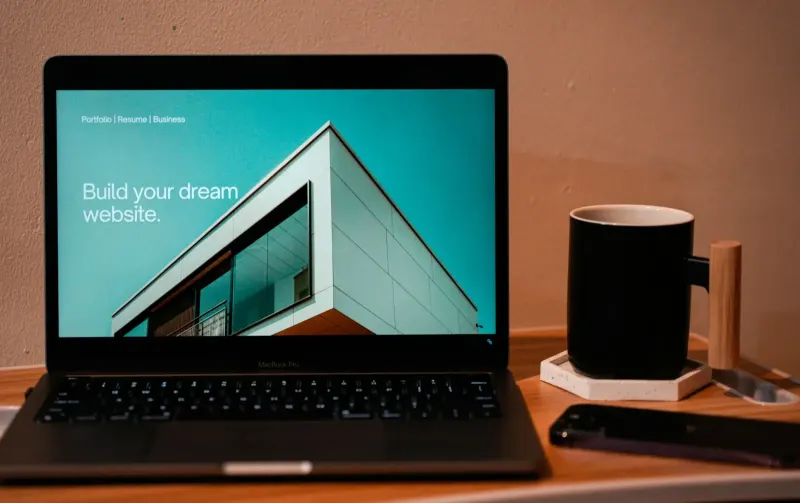
Dark Mode for Business Websites: Worth It or Just a Trend?
 By Codeventure Infotech
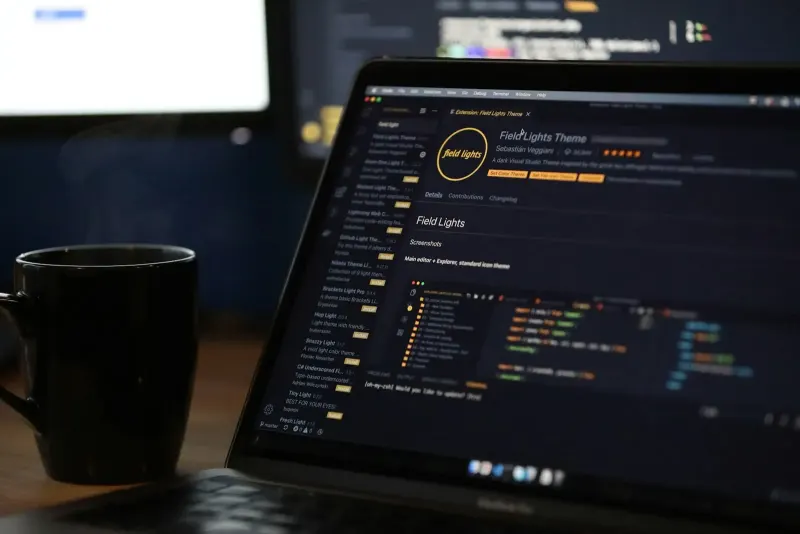
Plenty of people now run their phones and laptops in dark mode, and some expect websites to follow suit. For a small business, though, dark mode is a design and maintenance decision with real costs, not a free upgrade. Here’s an honest way to decide whether it belongs on your site.
How dark mode works on a website
Browsers can tell a site whether the visitor prefers a light or dark look, through a setting called prefers-color-scheme. A site that supports it switches its colours automatically. Some sites also add a manual toggle so visitors can choose for themselves.
The real benefits
- Comfort at night. Many people find dark screens easier on the eyes in low light.
- Respecting a preference. Someone who chose dark mode system-wide may find a bright white page jarring.
- A modern, premium feel for tech-savvy audiences who use dark apps all day.
Be wary of the battery-saving argument. It only applies to certain screen types and isn’t a reason on its own to build a dark theme.
The costs people don’t mention
- It’s basically a second design. Every colour, image, shadow and logo has to work on a dark background. Product photos on white backgrounds and dark-text logos often break.
- Contrast needs checking twice. Colours that are readable on white can fail on black. Our accessibility guide explains why that matters.
- More testing for every change. Each new page, banner or form has to be checked in both modes.
- Your brand can look different. A carefully chosen palette doesn’t always survive being inverted.
- Third-party widgets don’t follow along. Booking tools, maps and review feeds often stay bright white on an otherwise dark page.
When dark mode makes sense
It’s worth considering if your audience is mostly developers or designers, if visitors spend long sessions on your site (dashboards, documentation, news or long-form content), or if your brand is already dark and premium. For a local service business whose visitors just want a phone number and a quote, the payoff is usually small.
When you can safely skip it
Most brochure-style business sites, such as shops, clinics, consultants, builders and restaurants, get far more value from spending that budget on speed, clear messaging and strong calls to action. A clean, readable light design with good contrast works well for almost everyone.
A sensible middle path
If you want to look after dark-mode users without building a full second theme, start small: make sure the site doesn’t break when a browser forces dark colours, use a logo version that works on both backgrounds, and keep contrast strong. You can add a proper dark theme later if your analytics show real demand.
Deciding where to spend your design budget? Start with our website design checklist, or book a free consultation with our team.
Frequently asked questions
Does dark mode help SEO or conversions?
Not directly. It’s a comfort feature. Rankings and enquiries depend far more on speed, useful content and clear calls to action than on whether a dark theme exists.
Is it hard to add dark mode to an existing WordPress site?
It depends on the theme. Themes built on a consistent set of colour variables are fairly easy to adapt; themes with colours hard-coded everywhere need every element adjusted and tested.
Should I add a dark mode toggle button?
Only if dark mode is fully finished. A toggle that switches to a half-working dark theme is worse than no toggle. Automatically following the visitor’s device setting is a simpler start.